The Ultimate Guide to Native Mobile Applications and Development
Understanding the nuances of native mobile applications is essential for anyone interested in app development. These apps, tailored specifically for individual operating systems like iOS and Android, provide the best possible user experience, performance, and access to device-specific features. Whether you’re a seasoned developer or a business owner exploring options, grasping what makes native apps unique and how to build them efficiently is crucial in the fast-evolving mobile landscape.
—
What Are Native Applications?
Native apps are software programs designed to operate exclusively on a particular mobile platform—either iOS or Android—using programming languages and development tools native to each system. Unlike web-based applications that run within browsers or hybrid apps that combine web views with native code, true native applications are compiled directly into machine code that the device’s operating system can execute efficiently. This direct compilation allows native apps to utilize hardware and software features seamlessly, delivering a smooth and responsive user experience.
The term “native” signifies that these applications are optimized specifically for a given platform, employing platform-specific design principles, functionalities, and performance enhancements. This specialization allows native apps to integrate deeply with device hardware, offering capabilities that web or hybrid apps often cannot match.
How Do Native Apps Operate?
Building Native iOS Applications
Native iOS applications are traditionally developed using:
- Programming Languages: Swift, which is modern and safe, or Objective-C, which is more established but less preferred for new projects.
- Development Environment: Xcode, Apple’s official IDE, provides comprehensive tools for designing, coding, testing, and deploying iOS apps.
- Frameworks and APIs: UIKit, SwiftUI, Core Data, and other Apple frameworks facilitate interface design, data management, and device interaction.
- Distribution Platforms: The Apple App Store is the primary channel for deploying and monetizing iOS applications.
Developing Native Android Applications
Native Android apps are typically built with:
- Programming Languages: Kotlin, a modern, concise language officially supported by Google, or Java, the traditional language for Android development.
- Development Environment: Android Studio, which offers powerful tools for building, testing, and deploying Android apps.
- Frameworks and SDKs: Android SDK, Jetpack Compose for UI, Room for database management, and other Google-provided libraries.
- Distribution Platforms: Google Play Store serves as the main marketplace for Android applications.
Cross-Platform Native Development
Modern frameworks like React Native and Flutter enable developers to create applications that run on both iOS and Android from a single codebase. These frameworks compile code into native components, ensuring high performance and native-like responsiveness. For example, React Native leverages JavaScript/TypeScript and renders real native UI elements, making it a popular choice for teams aiming to reduce development time without sacrificing quality.
Core Characteristics of Native Applications
1. Platform Specificity
Designed explicitly for either iOS or Android, native apps adhere to each platform’s unique design standards, navigation patterns, and user interface conventions. This adherence ensures users have a familiar and intuitive experience, aligning with their expectations for look and feel.
2. Exceptional Performance
Since native apps are compiled directly into machine code and run natively on the device’s operating system, they offer unmatched speed and responsiveness. Animations are fluid, interactions are instantaneous, and the overall user experience is seamless.
3. Complete Access to Device Features
Native applications have unrestricted access to hardware and software capabilities, including:
- Camera and photo libraries
- GPS and location services
- Biometric authentication methods like Face ID and fingerprint scanners
- Push notifications
- Contacts, calendar, and health data
- Bluetooth, NFC, and other sensors
- Payment systems like Apple Pay and Google Pay
4. Offline Capabilities
Native apps can store data locally, enabling full functionality even without an internet connection. This feature is vital for apps operating in remote areas or requiring continuous access to features regardless of network status.
5. Distribution via Official App Stores
Native applications are distributed through trusted platforms such as the Apple App Store and Google Play Store, which offer benefits like:
- Increased credibility and trust
- Built-in discovery and promotional features
- Secure payment processing
- Automatic updates and maintenance
- Compliance with quality standards and review processes
Advantages of Native Apps
- Optimal Performance: Delivering smooth, fast, and highly responsive interactions.
- Enhanced User Experience: Creating interfaces that feel natural and intuitive per platform guidelines.
- Full Hardware and Software Integration: Utilizing all device features for richer app functionalities.
- Robust Offline Use: Ensuring usability without internet connectivity.
- Higher Security: Leveraging platform-specific security measures to protect data.
- Increased Visibility: Gaining trust and discoverability through app stores.
- Effective Engagement: Employing push notifications for timely updates and user re-engagement.
Examples of Popular Native Applications
The majority of widely used apps are native, including:
- Social Media: Instagram, TikTok, Twitter/X, Facebook, Snapchat
- Messaging: WhatsApp, Telegram, Signal, Discord
- Navigation and Transportation: Uber, Lyft, Google Maps, Waze
- Media Streaming: Spotify, Netflix, YouTube, Twitch
- Productivity: Slack, Notion, Todoist, Evernote
- Financial Services: PayPal, Venmo, Cash App, banking apps
- E-Commerce: Amazon, eBay, Shopify apps
- Health & Fitness: MyFitnessPal, Strava, Headspace
Native Apps Compared to Other Application Types
Web Applications
Web apps operate within browsers and are created using HTML, CSS, and JavaScript. While they are easier to develop and maintain, they typically lag behind native apps in performance and hardware access. They are limited in offline capabilities and often provide a less integrated user experience.
Hybrid Applications
Hybrid apps combine web technologies with native containers, often using frameworks like Cordova or Capacitor. They offer a single codebase for multiple platforms but tend to feel less responsive and have restricted access to device features compared to true native apps.
React Native: Combining Native Performance with Development Efficiency
React Native enables building real native apps with JavaScript, providing performance and user experience comparable to fully native applications. It allows developers to maintain a single codebase for both iOS and Android, simplifying the development process. Major companies such as Facebook, Instagram, and Discord utilize React Native for their apps.
How to Develop Native Applications
Traditional Method
Building native apps traditionally involves:
- Learning platform-specific languages like Swift for iOS and Kotlin for Android
- Setting up and managing Xcode and Android Studio environments
- Developing separate codebases, which increases time and costs
- Managing different UI frameworks and development patterns
- Typically taking 3-6 months, with costs ranging from $50,000 to over $500,000 depending on complexity
Modern Cross-Platform Approach
Using frameworks like React Native with tools such as Expo simplifies the process:
- Write code in JavaScript or TypeScript
- Maintain a single codebase for both platforms
- Benefit from hot reload for rapid testing
- Access a rich library of pre-made components
- Still requires programming knowledge but reduces duplication and development time
AI-Driven Native App Creation
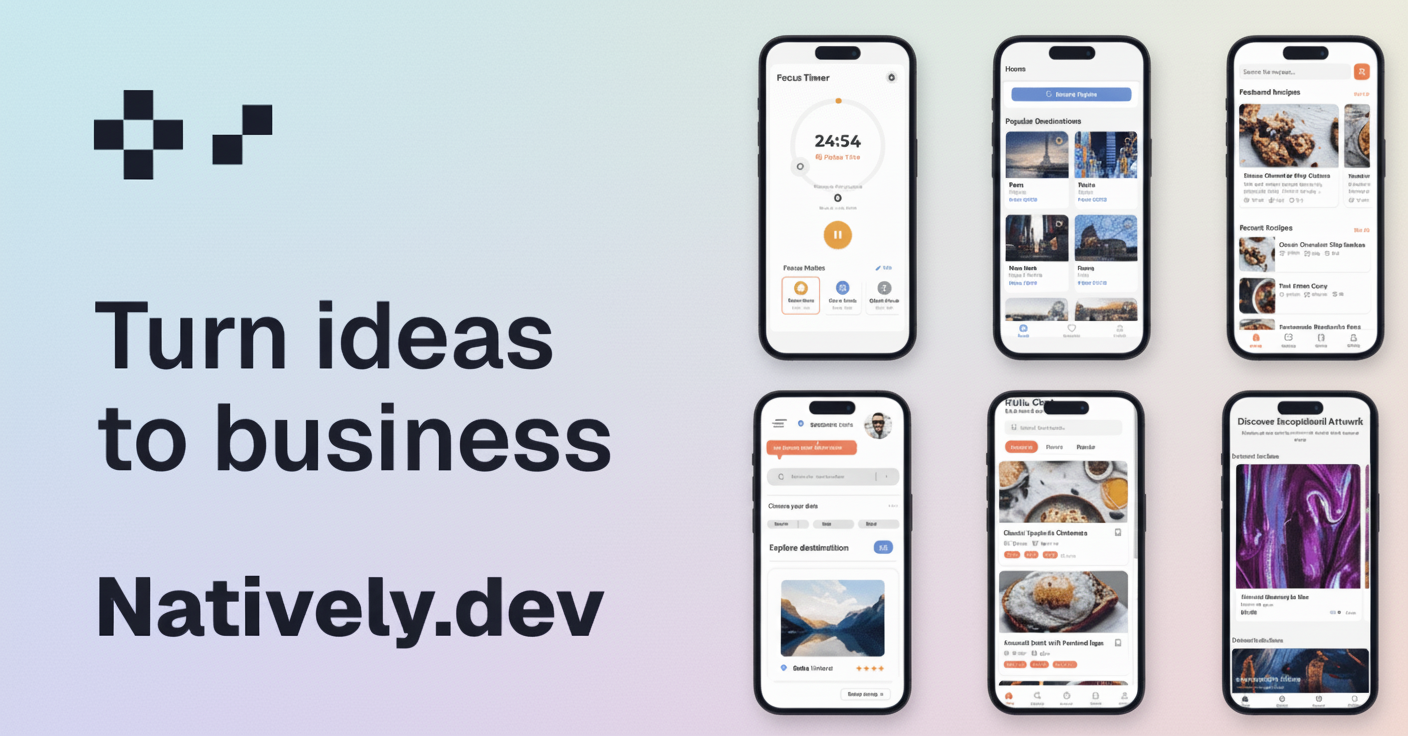
Innovative solutions like Natively allow users to generate fully functional native applications without coding:
- Describe your app in plain English
- AI generates the code using React Native and Expo
- Refine and customize your app through natural language commands
- Deploy directly to app stores with a single click
This approach offers full ownership of the source code, complete backend integration with services like Supabase, and rapid deployment—often within minutes.
When Is It Best to Opt for Native Development?
Choose native development when your project requires:
- Maximum performance and responsiveness
- Deep integration with device hardware (camera, GPS, biometrics)
- Offline functionality
- Complex features and rich user interfaces
- Push notifications for user engagement
- Monetization through app stores
- Targeting mobile-first audiences
- Adherence to platform-specific design standards
In most cases, native development remains the optimal choice for delivering high-quality user experiences that meet modern expectations.
Final Thoughts
Native applications continue to be the benchmark for mobile development, offering unmatched performance, security, and device integration. Although traditional native development can be resource-intensive, modern tools and AI-powered platforms are democratizing access, making it easier than ever to create robust native apps. With options like React Native, Expo, and innovative services such as Natively, developers and entrepreneurs can produce production-ready mobile applications efficiently and affordably.
If you plan to develop a mobile app in 2025, prioritizing native development should be your default strategy—especially with the accessibility provided by AI-driven solutions that eliminate the need for extensive coding.
—
Ready to bring your native app idea to life?
Start building professional apps with AI—no coding required. Maintain full control over your source code and deploy quickly. Discover more about native development here.
Related Resources
- Web Apps vs Native Apps: Complete Comparison →
- Native Mobile App Development Guide →
- iOS App Development →
- Android App Development →