


Enjoying your favorite Steam titles on your Android device might seem impossible without a dedicated gaming PC, but streaming technology has made this more accessible than ever. While a powerful computer is still necessary to host the game, you can now play Steam games directly on your Android phone or tablet by using game streaming apps. This approach offers a seamless experience, allowing you to enjoy your library on the go, with minimal setup and high-quality visuals. This guide walks you through the essential steps and tools to enable smooth streaming and expand your mobile gaming horizons.
Hardware Requirements for Smooth Streaming
Before diving into remote gameplay, ensure your setup meets these minimum hardware criteria:
- A host computer running Windows 7 or newer, macOS Yosemite or later, SteamOS, or Linux Ubuntu 12.04+, equipped with a dual-core CPU with hyper-threading and at least 8GB RAM.
- A stable and fast internet connection, ideally on a 5GHz Wi-Fi network with a minimum of 15 Mbps speed to reduce lag and buffering.
- A compatible controller or input device, such as a Bluetooth controller, or the option to use your device’s touchscreen or connect a mouse and keyboard.
- An Android device running Android 5.0 or higher for optimal compatibility.
Step 1: Enable Streaming in Steam Settings
To stream games from your PC, first configure your Steam client.
- Launch Steam on your PC and navigate to Steam > Settings.
- Select Remote Play (or In-Home Streaming in older versions).
- Activate the Enable Remote Play checkbox.
- For better performance, enable options like “Use NVIDIA NVFBC capture” if you have an NVIDIA GPU, and consider prioritizing network traffic for reduced latency.
- Adjust visual and performance settings in the Advanced Host Options to optimize streaming quality.
Step 2: Connect Your Android Device to Steam Link
The Steam Link app transforms your Android device into a streaming endpoint.
- Download and install the Steam Link app from the Google Play Store.
- Open the app, and tap Get Started.
- Ensure both your PC and Android device are connected to the same Wi-Fi network for the best experience.
- Your PC should appear automatically in the list of available devices. If not, select Rescan.
- Tap on your PC name, then enter the PIN displayed on your PC into the Steam Link app to pair the devices.
- The app will perform a network test to check latency and bandwidth. Once the test passes, tap Start Playing.
- Your PC will launch Steam in Big Picture Mode, and your Android device now acts as a controller.
Step 3: Launch and Play Your Steam Games
- From your Steam library, select any installed game to begin playing.
- Use your controller, touchscreen, or connected peripherals to enjoy a full gaming session.
- The streaming quality can be adjusted within the app to balance visuals and latency, ensuring optimal gameplay.
Bonus: Accessing Non-Steam PC Games on Android
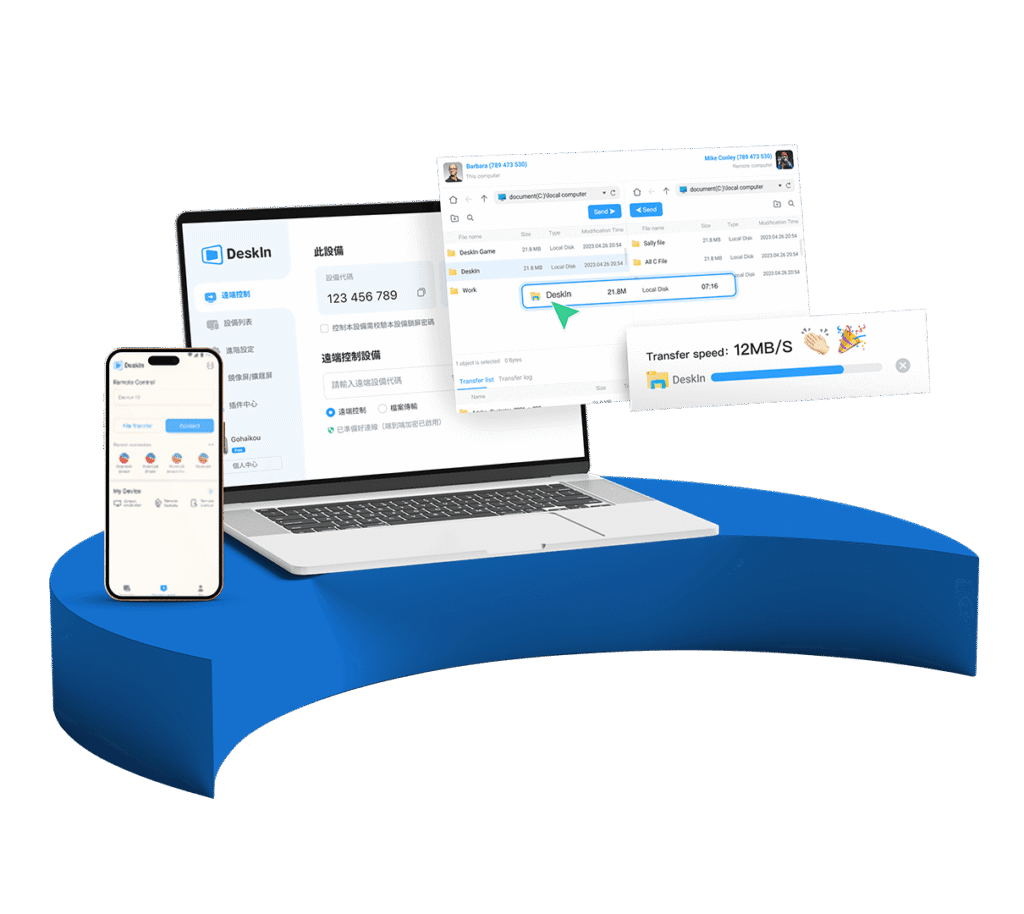
Steam Link is excellent for Steam titles, but if you want to run any PC game or access your full desktop remotely, consider Deskin, a versatile remote desktop application compatible with both Android and iOS.
With Deskin, you can control your PC from anywhere, supporting gestures, virtual mouse and keyboard, and customizable quality settings—making it ideal for playing or managing any PC-based game remotely. It also allows for modding and performance tuning. For detailed guidance, check the comprehensive guide to modding in game dev tycoon.
Step 1: Set Up Deskin on Your PC
- Download and install Deskin on your Windows or Mac computer.
- Log into your account and ensure your device is ready for remote access.
Step 2: Connect from Your Android Device
- Install Deskin for Android from the Google Play Store or iOS from the App Store.
- Log in with the same account.
- From the device list, select your PC’s name, then tap One-click connect.
- Once connected, you can run any application, including your games, as if sitting in front of your PC.
Enhance your experience with features like custom control layouts and high-quality display modes. Discover more about strategies for excelling in game dev tycoon to optimize your setup.
Final Thoughts: Stream Smarter, Play Farther
While you can’t run Steam games natively on Android without a PC, streaming solutions like Steam Link and Deskin bridge the gap, bringing your gaming library to your mobile device with ease. They enable you to enjoy high-quality gameplay from anywhere, whether at home or on the move. For the most seamless experience, ensure your network connection is robust, and your hardware is properly configured.
Remember, tools like crafting immersive experiences for small screens help optimize gameplay visuals, while understanding modding in game dev tycoon can unlock new customization options for your gaming sessions.
Start streaming today and turn your Android device into a portable gaming machine—no extra hardware needed.