Google Expands Support for 48 Steam Games on Chromebooks
Chromebook users can now look forward to a new wave of gaming possibilities, thanks to Google’s recent announcement of compatibility with select Steam titles. During the recent Games Developer Summit 2022, Google revealed plans to support the Steam game store on ChromeOS devices, though initial details about the full game library or exact release date remained scarce. Now, the company has provided more detailed guidance, including a tutorial on how to run Steam on supported Chromebooks, opening doors for gaming enthusiasts to enjoy a broader selection of titles directly on their devices.
This development marks a significant step toward transforming Chromebooks into versatile gaming machines. Although the initial list of compatible games is limited to 48 titles, Google indicates that more games will be added over time. Users are encouraged to experiment with other titles and share their feedback, which will help Google optimize performance and expand compatibility. This initiative aims to enhance the overall gaming experience on ChromeOS and provide Chromebook owners with more entertainment options.
Below, we explore the list of supported games, the requirements for running Steam on compatible Chromebooks, and the devices that are eligible for this feature. For those interested in game development or modding, further resources such as comprehensive guides on game modding APIs can be invaluable. Additionally, aspiring developers aiming to break into the industry might find tips on launching a career in game development helpful. For those looking to purchase a capable device, options like the affordable Game Dev Tycoon PC key are worth exploring.
List of Supported Steam Games on Chromebooks
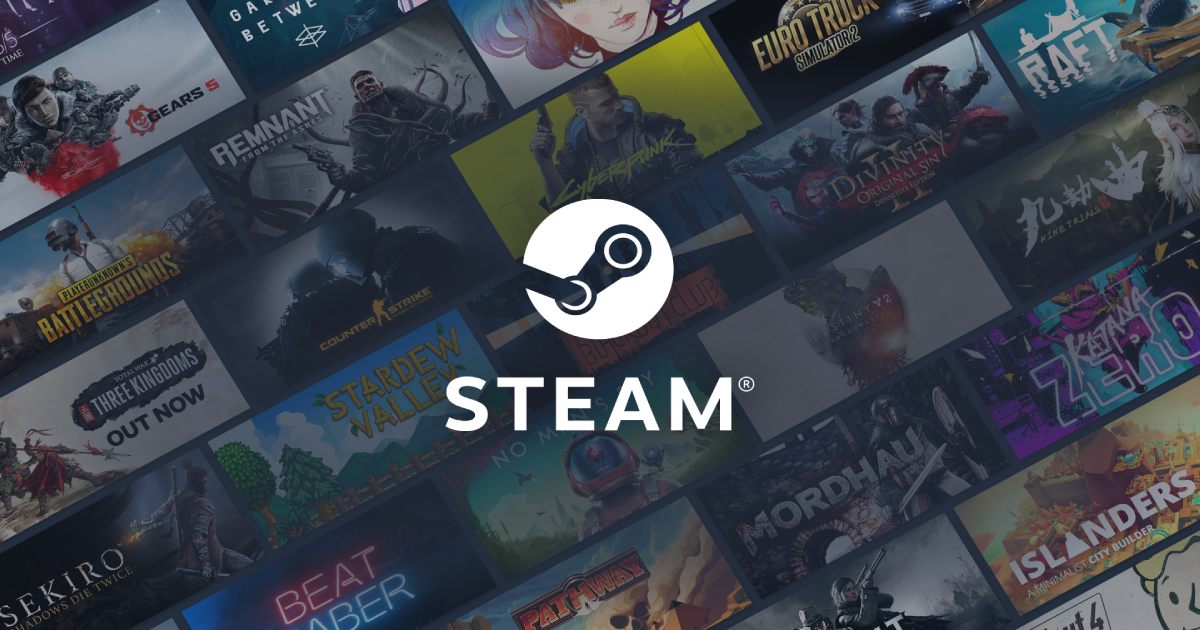
Google has officially listed 48 games that should run smoothly on ChromeOS devices capable of supporting Steam. These titles are expected to function with minimal issues, although this is not an exhaustive list. The library includes a mix of popular indie hits, AAA classics, and strategic games, offering a diverse gaming experience for Chromebook users. The list features titles such as:
- A Short Hike
- Age of Empires II: Definitive Edition
- Baba Is You
- Bloons TD 6
- Celeste
- Cuphead
- Darkest Dungeon
- Dead Cells
- Disco Elysium
- Divinity: Original Sin 2
- Don’t Starve Together
- Euro Truck Simulator 2
- Factorio
- Fallout 4
- Farm Together
- Fishing Planet
- Geometry Dash
- Grim Dawn
- Hades
- Half-Life 2
- Hollow Knight
- Human: Fall Flat
- Kerbal Space Program
- Left 4 Dead 2
- Loop Hero
- Northgard
- Overcooked! 2
- PAYDAY 2
- Portal 2
- Project Zomboid
- Return of the Obra Dinn
- RimWorld
- RISK: Global Domination
- Sid Meier’s Civilization V
- Slay the Spire
- Stardew Valley
- Stellaris
- Tabletop Simulator
- Team Fortress 2
- TEKKEN 7
- Terraria
- The Elder Scrolls V: Skyrim Special Edition
- The Jackbox Party Pack 8
- The Witcher 3: Wild Hunt
- Untitled Goose Game
- Unturned
- Vampire Survivors
- World of Tanks Blitz
This curated list is just a starting point, with Google welcoming user feedback to help improve compatibility and performance across a growing library of games.
How to Run Steam Games on Supported Chromebooks
Setting up Steam on compatible Chromebooks involves a few straightforward steps. First, users should switch their ChromeOS device to the Developer Channel, which provides access to experimental features necessary for Steam support. Once updated, navigate to chrome://flags and enable the flags labeled #borealis-enabled and #exo-pointer-lock. After applying these changes, reboot the device.
Next, open a terminal with the shortcut Ctrl+Alt+T and input the command:
“`
insert_coin volteer-JOlkth573FBLGa
“`
This initiates the installation process for Steam. Once installed, users can log into their Steam accounts and start enjoying a variety of supported games. It’s recommended to ensure your Chromebook has the latest updates and meets the hardware requirements, such as an Intel Core i5 or i7 processor with Iris Xe graphics and at least 8GB of RAM, for optimal performance. Be aware that devices with more than 1080p resolution or with less than 8GB RAM might encounter some issues related to scaling or performance.
For detailed instructions and troubleshooting tips, you can refer to official guides on maximizing creativity in game development or explore other resources that assist developers and gamers alike.
List of Chromebooks Supporting Steam Gaming
Only a select group of Chromebooks currently support Steam gaming due to hardware requirements. These models feature powerful processors and sufficient RAM to handle gaming workloads. The supported devices include:
- Acer Chromebook 514 (CB514-1W)
- Acer Chromebook 515 (CB515-1W)
- Acer Chromebook Spin 713 (CP713-3W)
- ASUS Chromebook Flip CX5 (CX5500)
- ASUS Chromebook CX9 (CX9400)
- HP Pro c640 G2 Chromebook
- Lenovo 5i-14 Chromebook
Users should note that models equipped with 8GB RAM may experience performance issues when running more demanding titles requiring 6GB of RAM or more. Additionally, Chromebooks with display resolutions exceeding 1080p might face scaling or performance challenges. As the ecosystem matures, more devices are expected to gain support, making gaming on ChromeOS increasingly accessible.
To explore more about game development tools, consider reviewing the comprehensive overview of the official Game Dev Tycoon modding API, which can enhance your understanding of customizing and creating games on this platform. For those interested in purchasing a compatible device, affordable options such as the Game Dev Tycoon PC key are available.
—
Google’s initiative to bring Steam gaming to Chromebooks represents a major leap toward versatile computing. With ongoing support and expanding game libraries, Chromebook users can soon enjoy a richer gaming experience without the need for dedicated gaming hardware.